
Authorization
Authorization overview
The map of everything about authorization in Luvin - the four places it lives, which one to use and what wins when they overlap.
Authorization is how Luvin proves who it is to an API: a key, a password, a token or a signature. Luvin has twelve ways to do it and four places to set it. This page is the map.
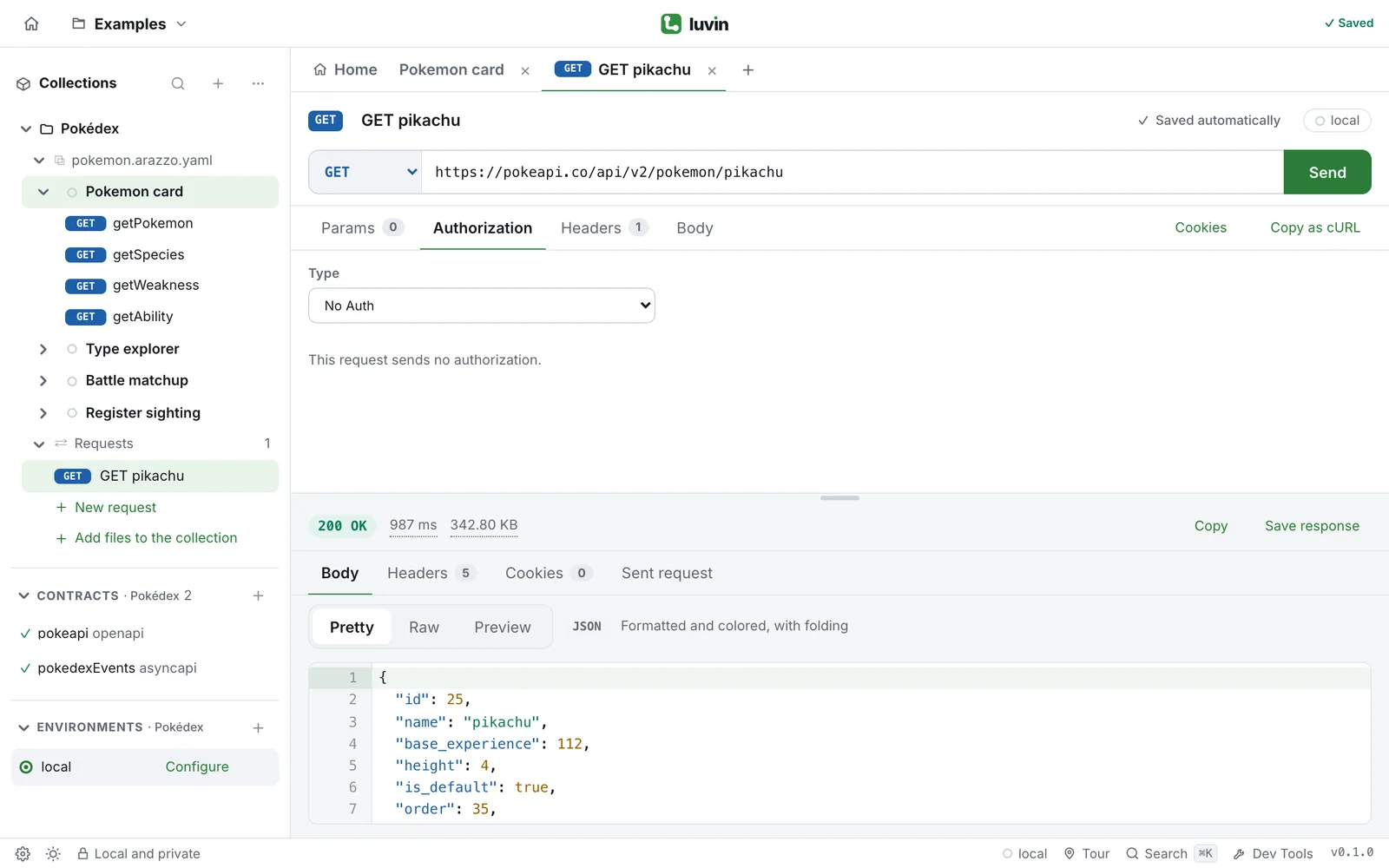
Example: the same token in two places
Section titled “Example: the same token in two places”Say your shop API wants Authorization: Bearer abc123.
- For a single request, open its Authorization tab, choose Bearer Token and write
abc123in Token. - For every request of a collection, set Bearer Token once in the collection overview and leave the requests on Inherit from collection.
- For a workflow, set it once per API in the workflow’s Authorization tab.
The three use the same types and the same fields. Only the place changes.
The four places
Section titled “The four places”| Place | What it covers | Where you set it |
|---|---|---|
| A request | That one request | Authorization tab of the request |
| The collection | Every request set to Inherit from collection | Authorization card in the collection overview |
| A workflow | The steps of a workflow, API by API | Authorization tab of the workflow |
| The environment | The credentials that a contract asks for, used by workflow steps by default | Credentials section of the environment |
Details and click paths: Where authorization applies.
I want to… use…
Section titled “I want to… use…”| I want to… | Use | Page |
|---|---|---|
| Send a fixed key in a header or in the URL | API Key | API Key |
| Send a username and password | Basic Auth | Basic Auth |
| Send a token I already have | Bearer Token | Bearer Token |
| Get a token from an authorization server and renew it | OAuth 2.0 | OAuth 2.0 |
| Sign each request with consumer and token keys | OAuth 1.0 | OAuth 1.0 |
Answer a 401 Digest challenge |
Digest Auth | Digest Auth |
| Call a Windows or intranet server | NTLM Auth (desktop app) | NTLM Auth |
| Call an API on AWS with IAM keys | AWS Sig v4 | AWS Sig v4 |
| Call an API behind Akamai | Akamai EdgeGrid | Akamai EdgeGrid |
| Call a SOAP or legacy service | WSSE Auth | WSSE Auth |
| Use the same authorization for all requests of a collection | Inherit from collection | Inherit and No Auth |
| Send a request with no credentials | No Auth | Inherit and No Auth |
| Let a workflow use what the contract declares | From the contract | Credentials of the contract |
What wins when they overlap
Section titled “What wins when they overlap”For a single request, from the most specific to the least:
- A header you wrote yourself in the Headers tab. For Basic Auth, Bearer Token and OAuth 2.0, your own
Authorizationheader is kept and Luvin adds nothing. For API Key in a header, your header of the same name is kept. - The Type of the request. If it is Inherit from collection, the type of the collection is used. If the collection has none, the request goes without authorization.
For a step of a workflow, from the most specific to the least:
- This workflow only, if you set one for that API.
- All workflows, if you set one for that API. If it says Inherit from collection, the collection’s authorization is used.
- The credentials of the contract, taken from the active environment.
A case that tests a call without credentials always goes without authorization, whatever you set.
Where the secrets go
Section titled “Where the secrets go”A password, token or key typed as-is is stored encrypted on your computer and is not written to files or git. Use {{variables}} to share a setup. See Secrets and what goes into files.